TechnicalData sourcesSql sources
SQL Server - Azure SQL
Connecting an Azure SQL database
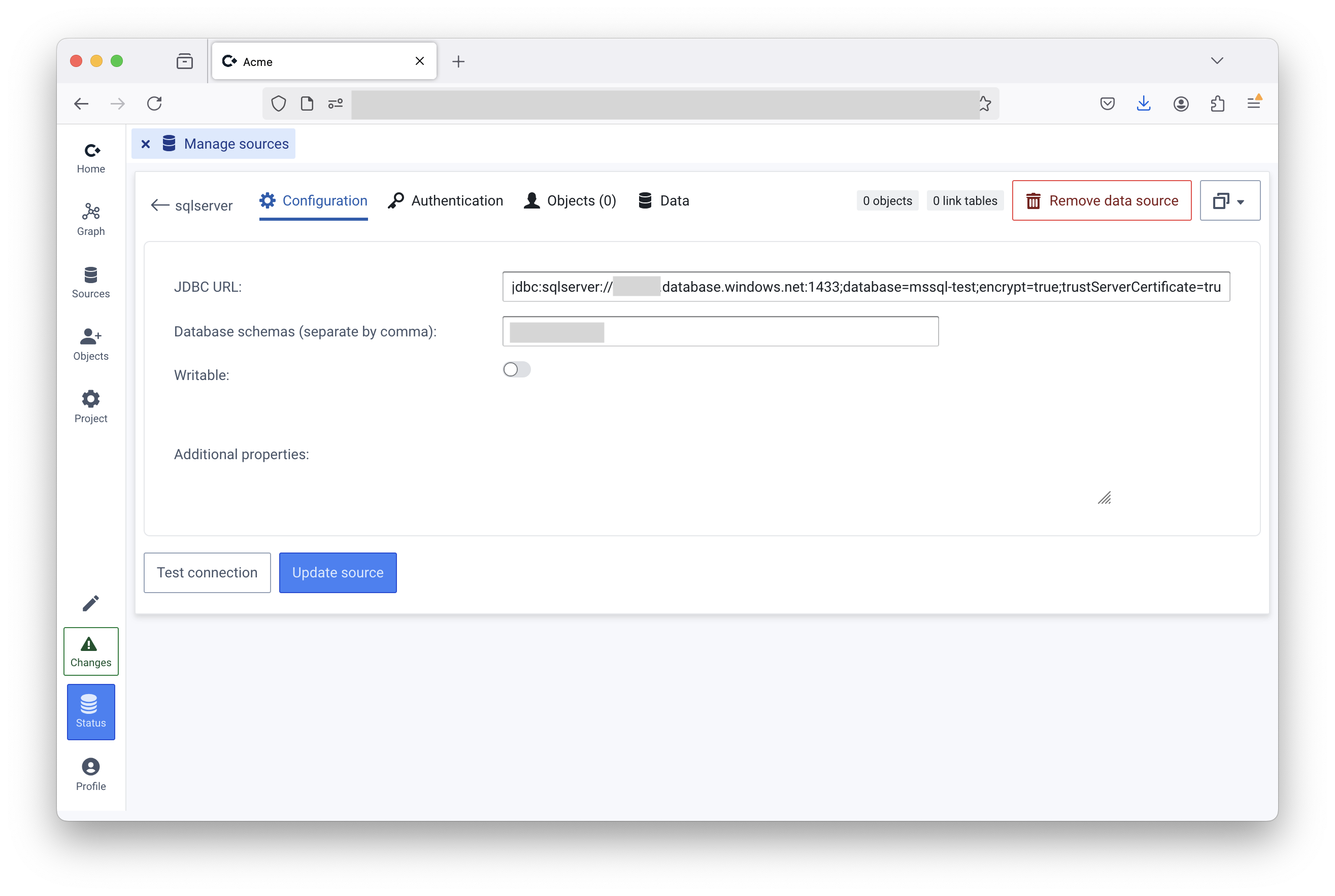
- Click “SQL database”
- Enter JDBC connection string (found at “SQL database” → “Settings” → “Connection strings” in Azure portal)
- Click save (you may need to refresh the page)
Managed Identity (App Service):
- Assign App Service a system managed identity
- Give managed identity access to database
- In connection string, add
authentication=ActiveDirectoryManagedIdentity
Token based:
- In the SQL database, make sure the Enterprise Application used to authenticate Convier users is added
CREATE USER [<name of enterprise app registration>] FROM EXTERNAL PROVIDER
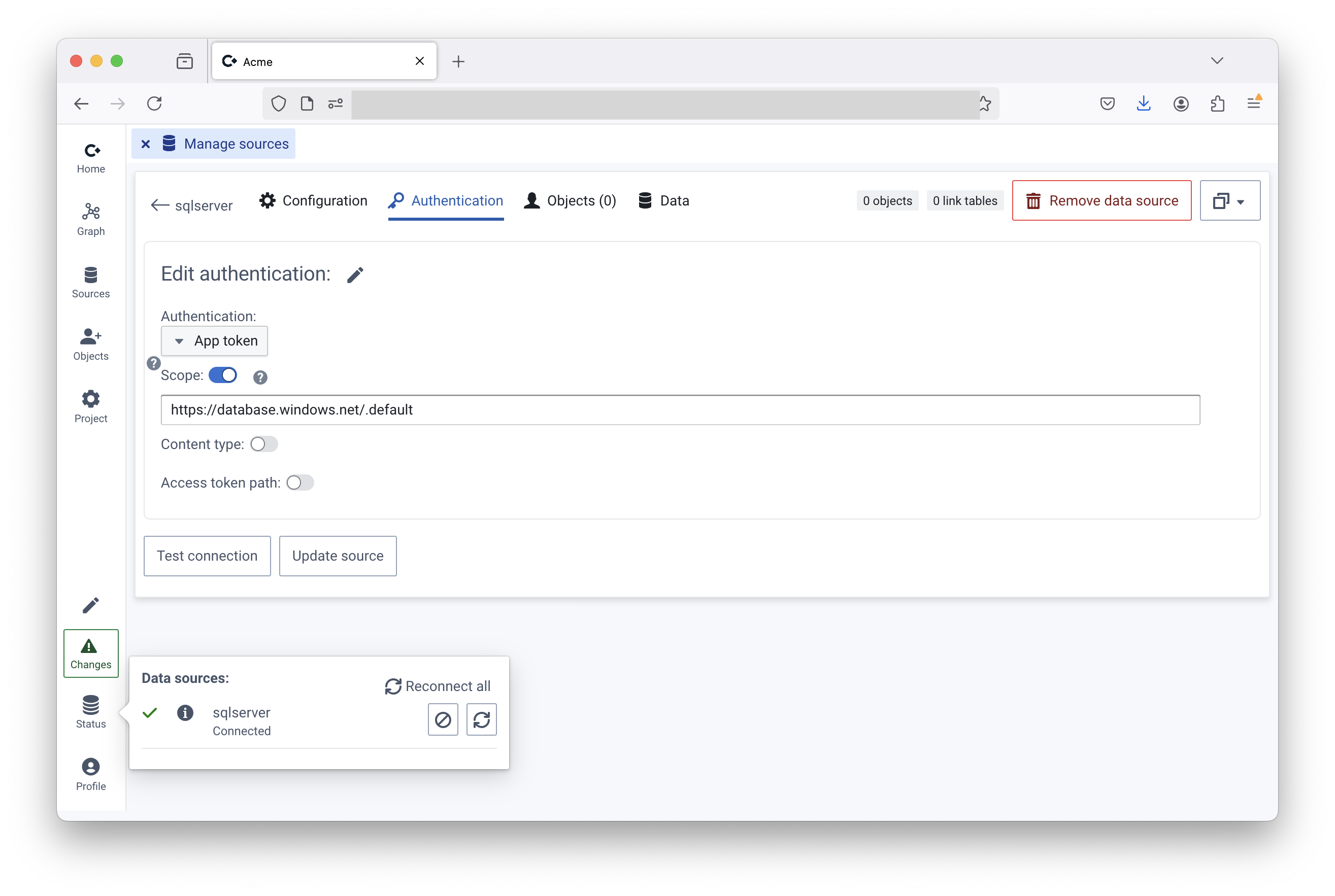
- In Convier, click “Authentication”
- Select “App token”
- Enter scope “https://database.windows.net/.default”
Save
Last updated on